
Logistics made simple
Move your goods
with confidence.
Logistix helps you arrange local road deliveries — set your pickup and drop, choose a vehicle that suits your goods, and follow the trip while it happens.
Vehicle
Choose the right vehicle for the load
Tracking
Track active deliveries as they run
Support
Support when you need it



Interface shown is illustrative
Route
A clearer way to move goods.
Four stages from a request to a delivery you can follow, marked like the road itself.
Set your pickup and drop
Add both locations, and extra stops along the way when a run needs them.
Tell us about your goods
Describe what you're sending so the vehicle options you see actually fit.
Choose a suitable vehicle
Pick from the options offered for your route, then review the estimate and payment mode.
Track your delivery
Follow the order once it's confirmed, with status updates as the trip progresses.
What affects your booking
Delivery availability, vehicle suitability, estimated timings and final charges depend on the details of your booking — location, route, the goods being moved, traffic, vehicle availability, waiting time, tolls and other factors disclosed before you confirm.
Fleet
A vehicle for the job at hand.
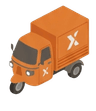
Choose based on your goods and route. The options you see depend on what's available where you're booking.
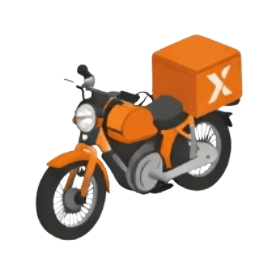
Bike
Small parcels
Documents, samples and compact items moving across the city.
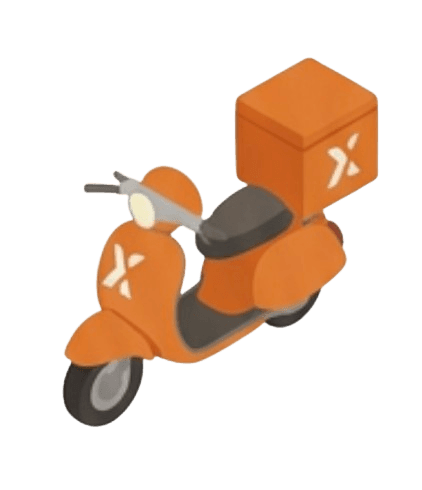
Scooter
Shop deliveries
Everyday orders going out from a counter to a customer nearby.
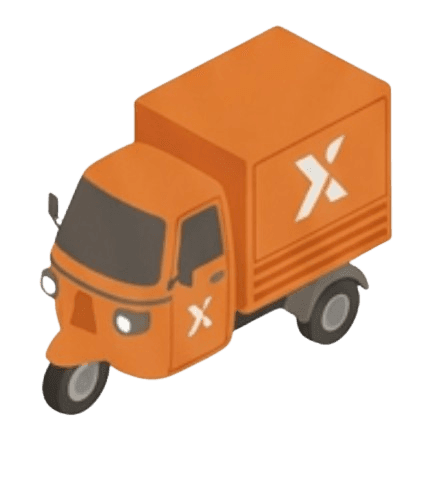
Tempo
Boxes and supplies
Cartons, stock top-ups and multi-stop runs for a working day.
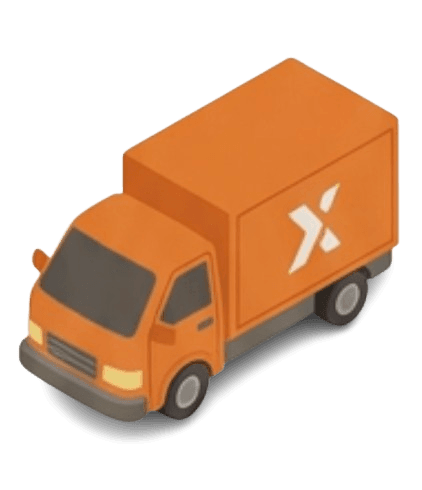
Truck
Larger goods
Bulkier items and loads that need a proper loading bed.
Not sure what to book?
Describe your goods when you book and pick from the vehicles offered for your route, or ask our support team.
Business
Built for everyday business movement.
Practical support for the deliveries a shop or small business makes week after week.
Booking
Flexible booking
Book a delivery when the work turns up. Add stops to a route and describe the goods so the vehicle options match the job.
Visibility
Delivery visibility
Follow an active order from pickup to drop, with status updates and notifications as the trip moves.
Records
Support for repeat work
Past orders stay in your history, so a route you run often can be booked again without re-entering every detail.
Logistix Partner
Drive with Logistix on your terms.
Logistix Partner is the app for independent driver partners who want to receive and complete trips through the Logistix marketplace.
Onboard
Onboard with your details
Add your profile, documents and vehicle details to get set up as a driver partner.
Availability
Go online when you're available
Switch yourself online or offline in the app — you decide when you're taking work.
Trips
Review trip requests
See incoming requests, accept or reject them, and navigate the trip you take on.
Records
Keep track of your trips
Collect cash where it applies, and review your trip history and earnings in the app.
Trip opportunities depend on availability and service area. Driver partners use Logistix Partner as independent partners, not as employees of Logistix.
Safety
Designed for more confident deliveries.
Straightforward protections around sign-in, trip status and getting help.
Sign-in
OTP-secured accounts
Sign in with a one-time password sent to your mobile number, so account access stays tied to your phone.
Status
Trip status updates
Order and trip status updates in the app as the delivery moves, with operational notifications for key changes.
Help
Support channels
Reach support from inside the app while an order is active, or contact us through this website.
Logistix support is not an emergency service. In an emergency, contact the local emergency services.
Questions
Before your first booking.
The things people usually want to settle before they send something.
Book a delivery
Tell us what needs moving.
Send the details of your delivery and our team will get back to you to arrange it.
Availability, vehicle suitability and final charges depend on the route, the goods and other factors — we’ll confirm those with you before anything is booked.
Ready when you are
Ready to move
something?
Book a delivery for the goods you need to send, or join Logistix as an independent driver partner.